1. step
Open My profile and scroll to the Calendar section.
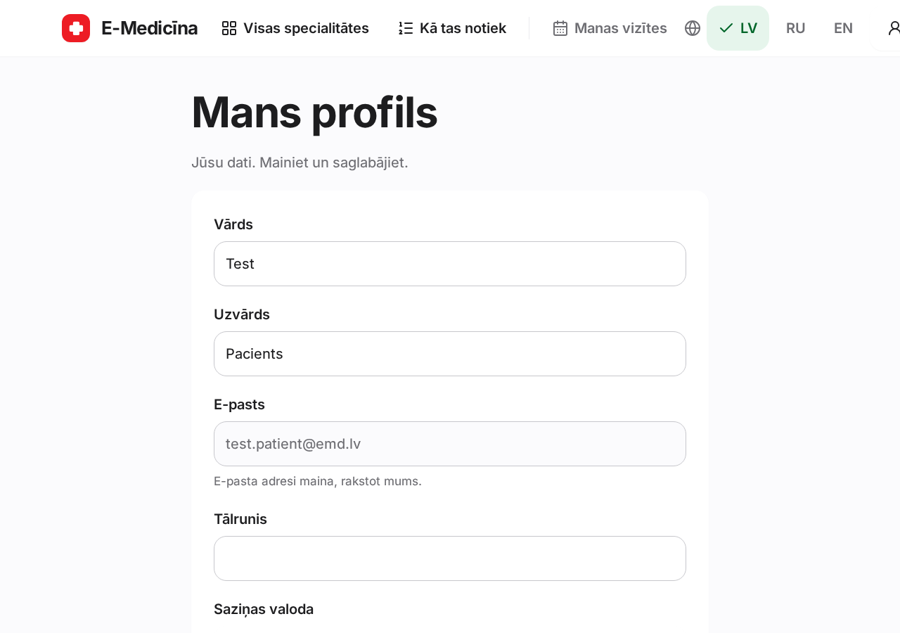
One private link for the calendar on your phone.
1. step
Open My profile and scroll to the Calendar section.
2. step
Press Show calendar link, then Add to calendar or Copy link and paste it into your calendar app.
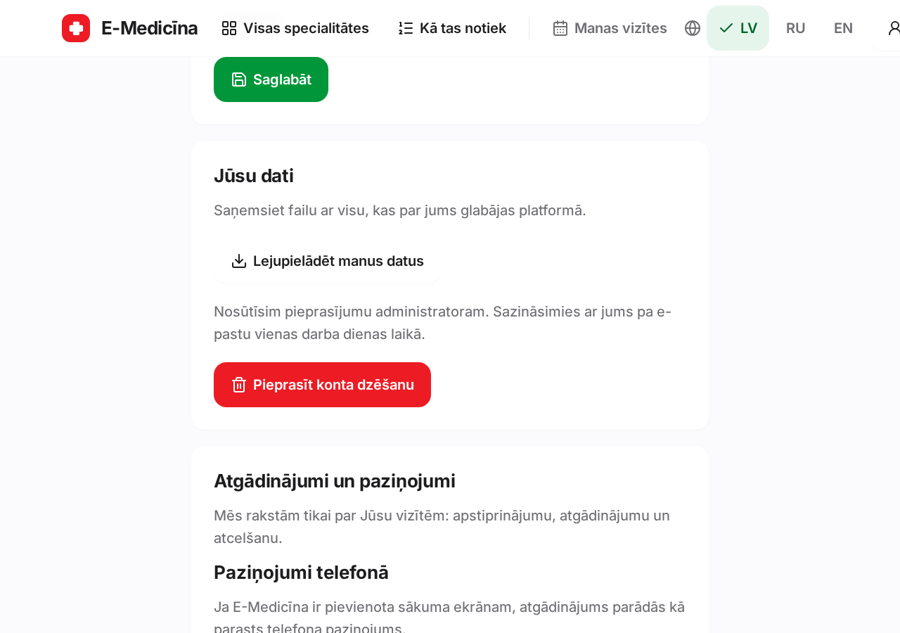
The link is private. Your calendar shows only the time and the name.
Still stuck? Write to atbalsts@emd.lv