1. step
Open My visits. Each visit shows the date, the time and the doctor.
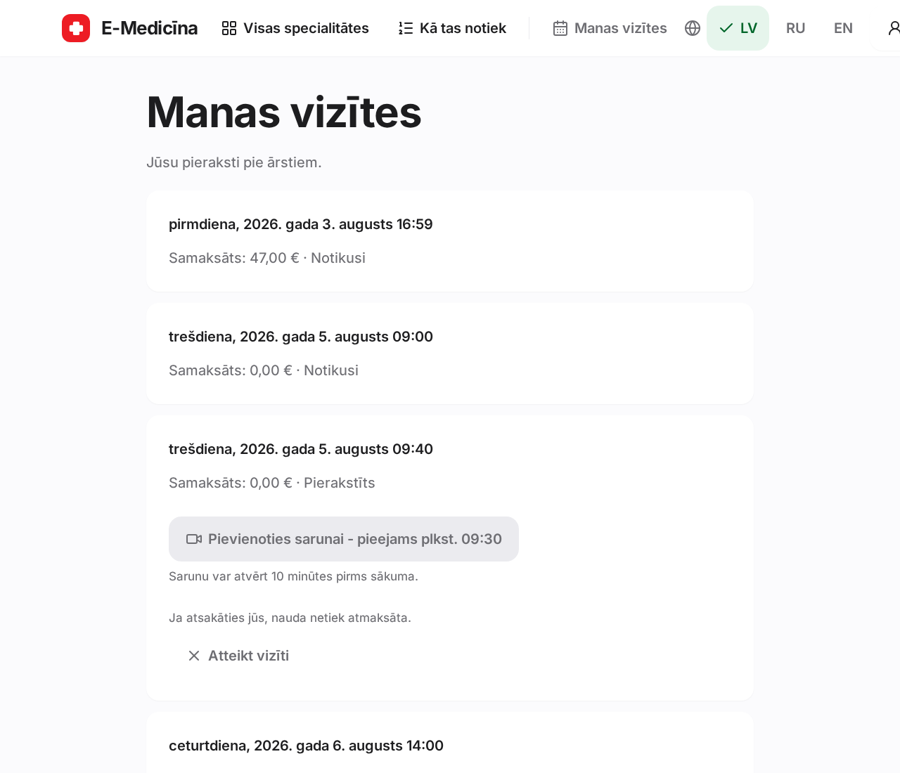
Where the button is and when it works.
1. step
Open My visits. Each visit shows the date, the time and the doctor.
2. step
Ten minutes before the start, Join the call becomes active. Press it and allow camera and microphone.
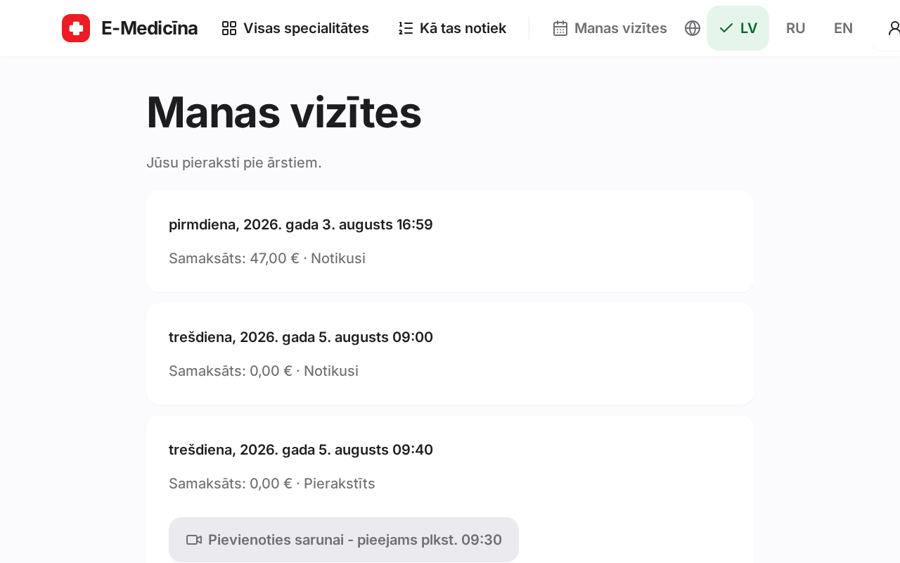
If the call drops, reopen the page and join again.
Still stuck? Write to atbalsts@emd.lv