1. step
In your workspace open Consultation hours.
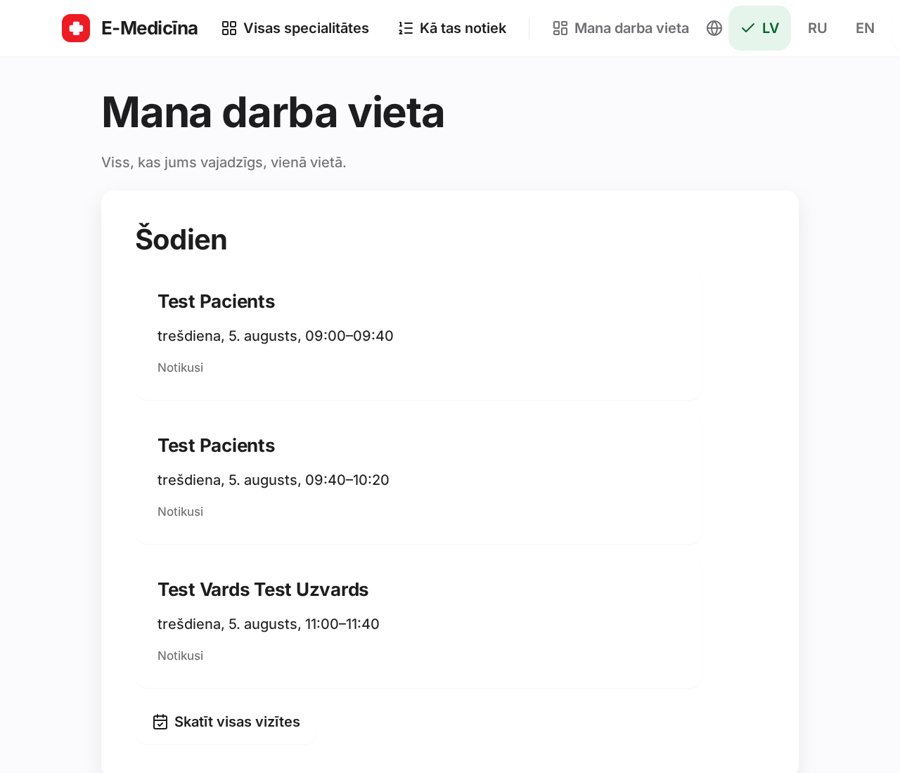
You do not create slots one by one - we compute them.
1. step
In your workspace open Consultation hours.
2. step
Set the visit length, then tap the hours of the day to mark when you see patients. Press Save.
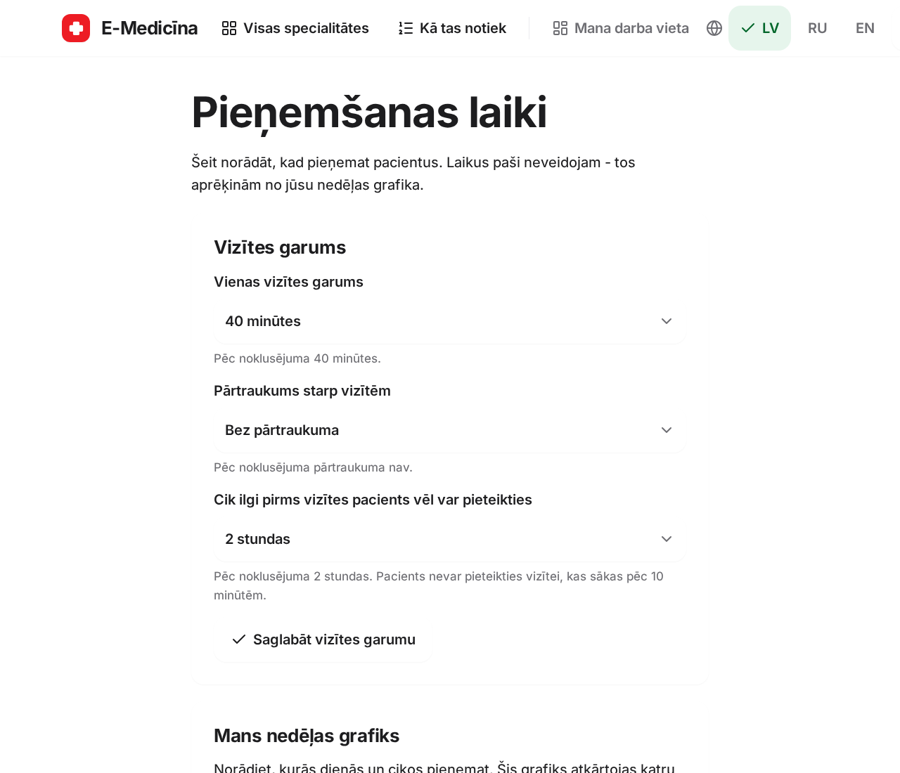
Existing bookings are never deleted. You are warned if a change would affect one.
Still stuck? Write to atbalsts@emd.lv